

How to Shop Safely Online: A Complete Guide
Table of Contents
- Verify the Website Before You Buy
- How to Spot a Fake Online Shop
- Safe Payment Methods for Online Shopping
- Understand Your Consumer Rights Online Shopping
- Protect Your Personal Data and Account Security
- What to Do If You Suspect Online Shopping Fraud
- Conclusion
Last Updated: 23 August 2026
Verify the Website Before You Buy
Before entering any payment information, verify you're dealing with a legitimate retailer. Start by checking the URL for a secure connection, indicated by a padlock icon in your browser's address bar and a URL beginning with "https://" rather than "http://". The "s" stands for secure, meaning your data is encrypted as it travels between your device and the retailer's servers.
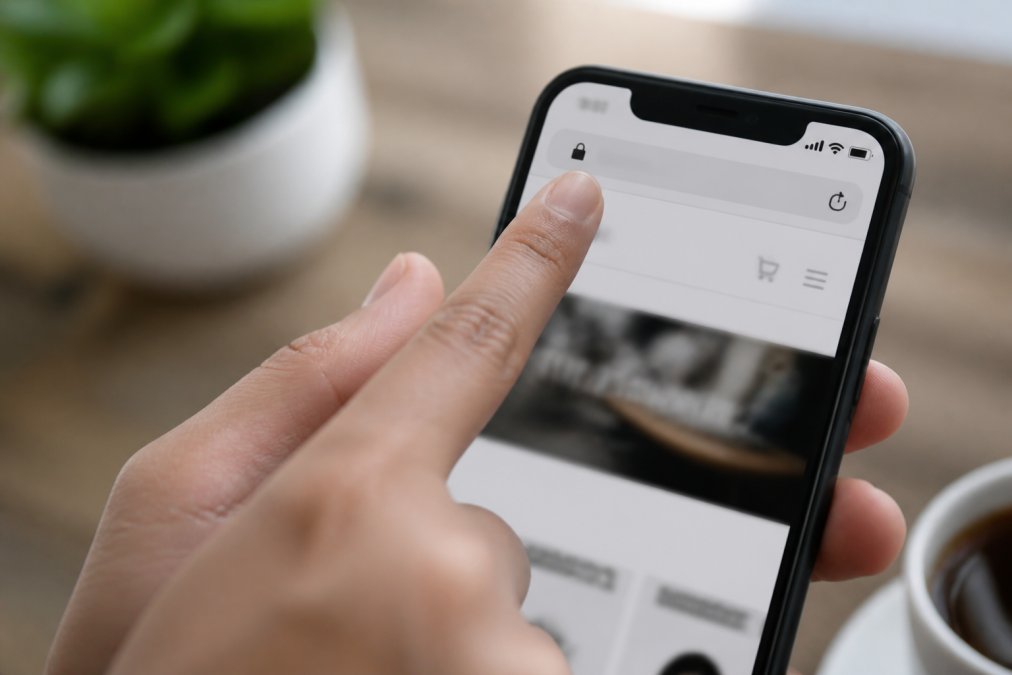
Check for secure connections and trust signals
Look for trust badges from organisations like TrustMark or the British Retail Consortium, which indicate the retailer has undergone verification. You can often click these badges to confirm their authenticity; fraudulent sites sometimes display fake badges that don't link to anything.
Check the retailer's contact information. Legitimate businesses provide a physical address, phone number, and email address. If a website only offers a contact form with no other details, that's a red flag. Read the privacy policy and terms of service; legitimate retailers are transparent about how they collect and protect your data. Poor writing in legal documents often indicates a fraudulent operation.
Research the retailer's reputation
Search the retailer's name along with "reviews," "complaints," or "trustworthy." Look for patterns in customer feedback across Google Reviews, Trustpilot, and the retailer's own website. Dozens of complaints about non-delivery or fraud suggest genuine problems. Check whether the retailer has been operating for a reasonable amount of time and how they respond to complaints. A business that ignores negative feedback or responds aggressively is less trustworthy than one that takes concerns seriously.
How to Spot a Fake Online Shop
Fraudulent websites have become increasingly sophisticated, but certain patterns consistently reveal them.
Red flags in website design and content
Poor design and spelling mistakes are classic indicators of a fake shop. Legitimate retailers invest in professional websites because their reputation depends on it. Examine product images carefully by using reverse image search on Google; if the same photo appears on multiple unrelated websites, the current site is likely fraudulent.
Check whether the website offers only one payment method or pushes you toward unusual payment options. Legitimate shops offer multiple ways to pay: credit cards, debit cards, PayPal, and other established payment services. If a site demands payment via bank transfer, cryptocurrency, or gift cards, walk away immediately. These payment methods offer no buyer protection and are favoured by scammers.
Look at the website's overall feel. Does it seem rushed or incomplete? Are there placeholder images or "coming soon" sections? Legitimate retailers continuously refine their sites based on customer feedback.
Suspicious pricing and unrealistic offers
If a price seems too good to be true, it almost certainly is. Compare prices across several legitimate retailers for the same product. If one site is significantly cheaper than all others, question why. Be wary of "limited time" offers that create artificial urgency, and watch out for retailers offering steep discounts on brand-new, high-demand products. Free shipping on all orders, especially on heavy or bulky items, is another red flag; shipping costs money.
Safe Payment Methods for Online Shopping
Choosing the right payment method is crucial for protecting yourself when you shop online.
Credit cards versus debit cards
Credit cards offer significantly better fraud protection than debit cards. When you use a credit card, you're borrowing from the card issuer, not spending your own money directly. If fraud occurs, you can dispute the charge and the card company investigates. Most credit card providers offer zero liability for fraudulent transactions.
Debit cards draw directly from your bank account. If fraud occurs, the money is already gone, and you may face a lengthy investigation period before funds are returned. For online shopping, a credit card provides a crucial buffer. If you don't have a credit card, consider a prepaid credit card, which offers similar fraud protection but limits your exposure to the balance you've loaded.
Digital wallets and secure payment services
Digital wallets like Apple Pay, Google Pay, and PayPal add an extra layer of security by keeping your actual card details from the retailer. PayPal offers Buyer Protection, which covers you if you don't receive items or receive something significantly different from what was described. You can open a dispute within 180 days of purchase, and PayPal investigates on your behalf.
Other payment services like Klarna or Clearpay offer additional buyer protections and the ability to spread payments over time.
Protecting your payment information
Never save your payment details on websites, even if they offer the convenience. When entering payment information, ensure you're on a secure page with the padlock icon visible. Be cautious about public Wi-Fi when shopping online; wait until you're on a secure home network or use your mobile phone's data connection. Never shop online using a public computer, as it may have malware installed that captures keystrokes.
Understand Your Consumer Rights Online Shopping
Your rights as a consumer don't disappear simply because you're shopping online. UK law provides substantial protections for online purchases.
What the Consumer Rights Act 2015 covers
The Consumer Rights Act 2015 requires that goods you purchase must be of satisfactory quality, fit for purpose, and as described. For the first 30 days after purchase, you have the right to reject faulty goods and receive a full refund. The retailer cannot force you to accept a repair or replacement if you prefer a refund. After 30 days, the retailer can choose whether to repair or replace the item rather than refund you.
Distance selling regulations, which apply specifically to online and mail-order purchases, give you a 14-day cooling-off period. During this time, you can return items for any reason and receive a refund, provided the goods haven't been used. Some items, like personalised goods or perishable items, are exempt from this right.
Your right to return and refund
When you receive an item that doesn't meet the standards outlined above, you have the right to return it. The retailer must cover the cost of return postage for faulty or incorrectly described items. Keep evidence of your return using a tracked and insured delivery service. If a retailer refuses to provide a refund you're entitled to, you can raise a dispute with your payment provider, file a complaint with Citizens Advice Consumer Service, or pursue the matter through the small claims court.
Protect Your Personal Data and Account Security
Your personal information is valuable to criminals. Protecting it requires vigilance in how you create accounts and interact with online retailers.
Creating strong passwords and enabling two-factor authentication
Use at least 12 characters combining uppercase letters, lowercase letters, numbers, and symbols. Avoid dictionary words, birthdays, or other information someone could guess. Use a unique password for each online retailer. Password managers like Bitwarden or 1Password generate and store complex passwords securely.
Two-factor authentication (2FA) adds a second verification step beyond your password. Enable 2FA on every retailer account that offers it. Authenticator apps like Google Authenticator or Microsoft Authenticator are more secure than SMS codes.
Avoiding phishing and suspicious emails
Phishing emails impersonate legitimate retailers to trick you into revealing sensitive information. Never click links in unexpected emails; instead, go directly to the retailer's website by typing the address into your browser. Check the sender's email address carefully, as phishing emails often use addresses that look similar to legitimate ones.
Be suspicious of urgent language claiming your account will be closed or suspicious activity has been detected. If you receive a suspicious email claiming to be from a retailer, report it to the retailer's security team or to the National Cyber Security Centre.
What to Do If You Suspect Online Shopping Fraud
Despite your best efforts, fraud can still happen. Knowing how to respond quickly minimises your losses.
Immediate steps to take
The moment you suspect fraud, stop using the affected account or card and contact your bank or payment provider immediately. Most providers have 24-hour fraud lines. Request a new card, which should be cancelled immediately. Change your password for the affected retailer account and any others using the same password.
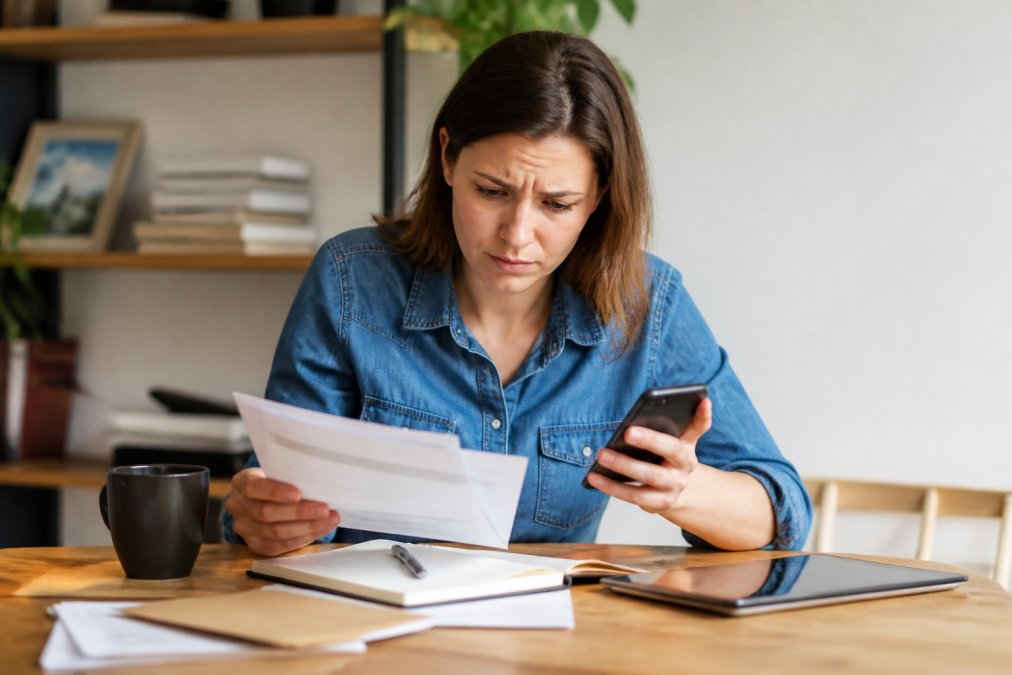
Document everything by taking screenshots of the fraudulent transaction, the retailer's website, any emails you received, and your communication with your bank.
Reporting to authorities and getting support
Report the fraud to Action Fraud, the UK's national fraud reporting service. You'll receive a crime reference number, which you should keep for your records. Contact the retailer's customer service team and explain the situation. If you paid via credit card or PayPal, open a dispute through those services, providing all your documentation.
For additional support, contact Citizens Advice Consumer Service, which offers free guidance on consumer rights and can advise on whether small claims court is a viable option.
Shopping online safely comes down to vigilance and understanding your protections. When you verify websites before entering payment information, choose secure payment methods, and know your rights under UK consumer law, you dramatically reduce your risk. At Inspree, we understand that confidence in online shopping matters, that's why we prioritise transparent communication, secure checkout processes with SSL encryption, and tracked, insured delivery for every order. By applying these practices consistently, you can enjoy the convenience of online shopping with genuine peace of mind.
Frequently Asked Questions
Q: How can I tell if a website is legitimate before I buy?
A: Look for several key indicators: a padlock icon and 'https://' in the address bar (showing SSL encryption), a clear privacy policy and contact details, customer reviews on independent sites, and professional web design. Avoid sites with poor grammar, generic product photos, or no way to contact them. Search the retailer's name plus 'reviews' or 'complaints' online to see what others say.
Q: What are my rights under the Consumer Rights Act 2015 when shopping online?
A: The Consumer Rights Act 2015 protects you by requiring goods to be of satisfactory quality, fit for purpose, and as described. You have a right to reject faulty items within 30 days and receive a full refund. For items with minor faults, you can request repair or replacement within six months. You also have a 14-day cooling-off period to cancel most online purchases without giving a reason. These rights apply to all online retailers selling to consumers in the UK.
Q: What should I do if I suspect I have been a victim of online shopping fraud?
A: Contact your bank or card issuer immediately and report the fraudulent transaction. They can freeze your account and issue a replacement card. Report the fraud to Action Fraud (the national fraud reporting service) at actionfraud.police.uk or call 0300 123 2040. If you paid by bank transfer, contact your bank urgently as they may be able to recover funds. Keep all evidence including emails, receipts, and transaction records. If the retailer refuses to help, you can escalate to the Financial Ombudsman Service.
Q: Is it safe to save my card details on retail websites?
A: Only save card details on established, reputable retailers with strong security measures (look for SSL encryption and security certifications). However, for extra security, consider using digital wallets like Apple Pay or Google Pay instead, which don't share your actual card details with the retailer. Avoid saving details on unfamiliar sites or those with poor security indicators. Never save card details on public or shared computers.
This article was written using GrandRanker